Jin’s Daily AI Trivia:
Did you know the Windows 11 Start Menu uses more CPU than your browser?
Ever feel like your Windows 11 PC is sluggish—even on a brand-new machine?
Before we dive into the whole Windows animation issue (that’s a big topic on its own), let’s talk about the oddly centered Start Menu.
Try this: open Task Manager and monitor your CPU usage per core. Now click the Start Menu a few times. You’ll notice CPU spikes of 30–70% per core every time you open it. That’s worse than opening a new Chrome tab!
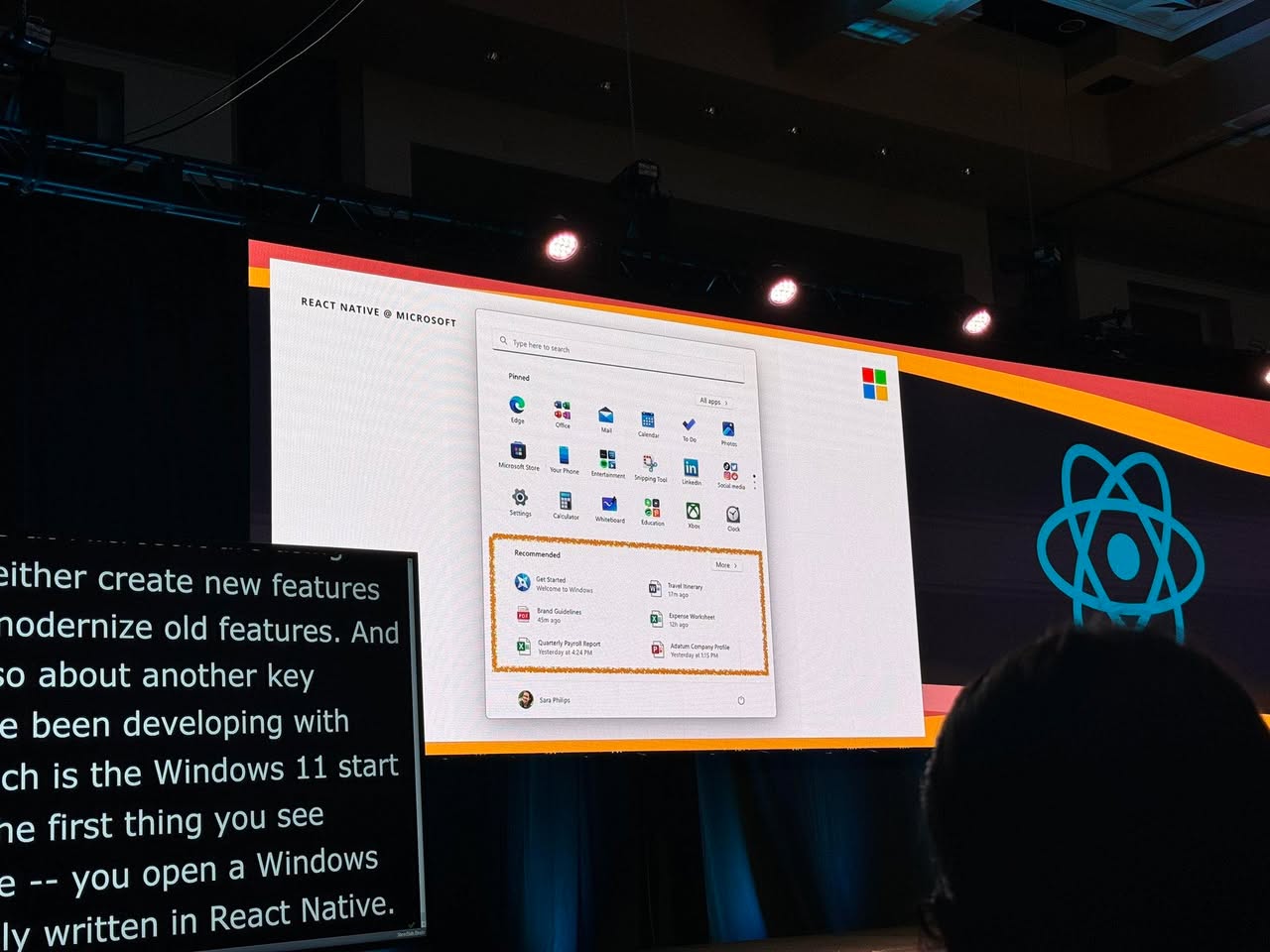
Why is this happening? Well… Microsoft added the “Recommended” section and the built-in search button in Windows 11. And guess what those components are built with? Yup—React.
So basically, every time you click the Start Menu, Windows launches at least two React apps just to slide that menu out.
You can reduce the impact by disabling the recommendations and search features. There are also registry tweaks to prevent those React components from loading.
Or, if you’re on an older PC, maybe just stick with Windows 10— it’s supported until October 2025.
Hope you learned something new today. See ya!