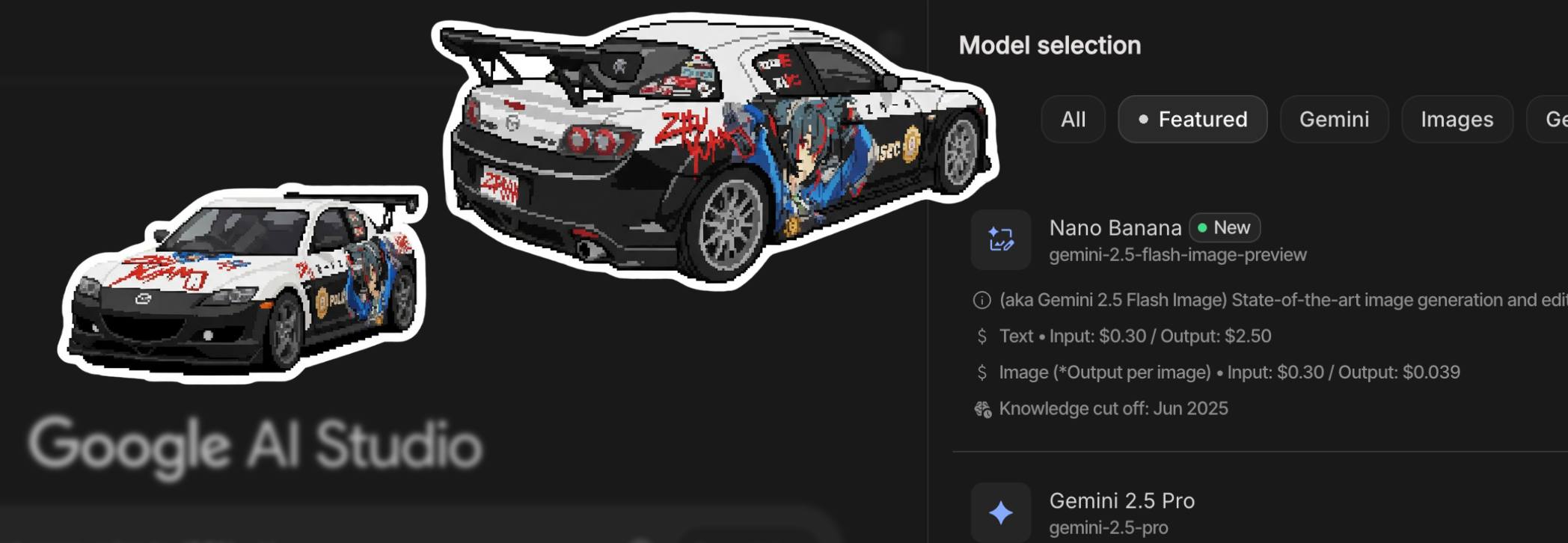
Jin Daily AI Trivia: Create Pixel Art with Nano Banana
Love using stickers in chats but find that free ones just don’t cut it anymore? Want to turn your own photos into stickers, but all the apps are either paid or produce meh-quality results? Or maybe real photo stickers just feel too serious for fun conversations with friends?
✨ Fear not—Nano Banana is here! ✨
How to create your own pixel art stickers:
Go to aistudio.google.com → Select Nano Banana at the top right (yep, they even renamed it).
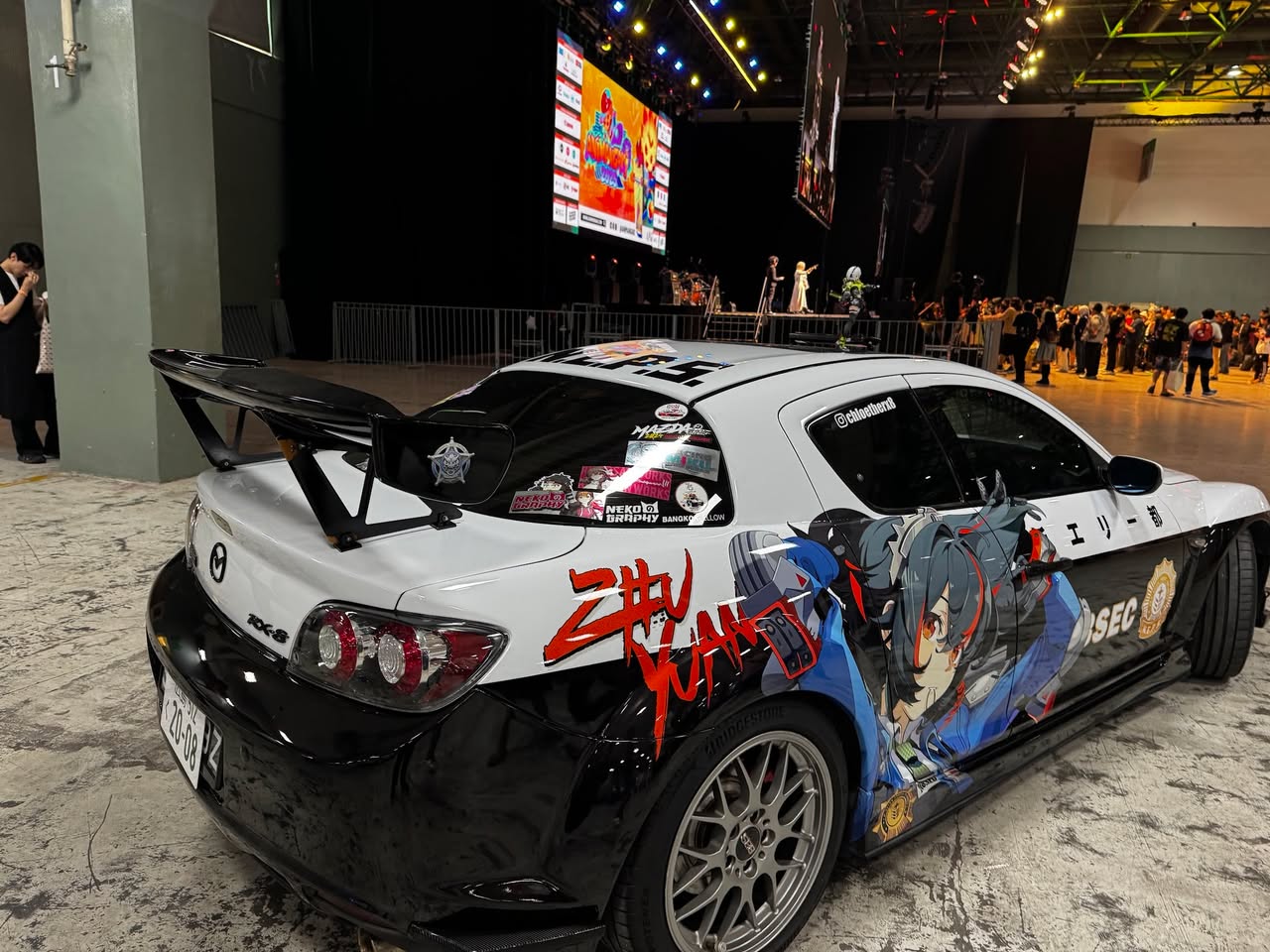
Upload two pictures: Image 1 → The photo you want to transform into a sticker. Image 2 → The pixel art style you want to mimic.
Use this prompt (don’t forget to replace with your photo’s key features):
Use [Image 1] as the content reference. Extract the main subject: < describe your photo main feature, like wearing glasses etc>
Adopt the pixel art style of [Image 2] completely:
- Pixelation texture
- Color palette
- Object proportions
- Shading technique
Final Effect:
- Add a clean, thick white border around the subject’s outline to create a die-cut sticker effect.
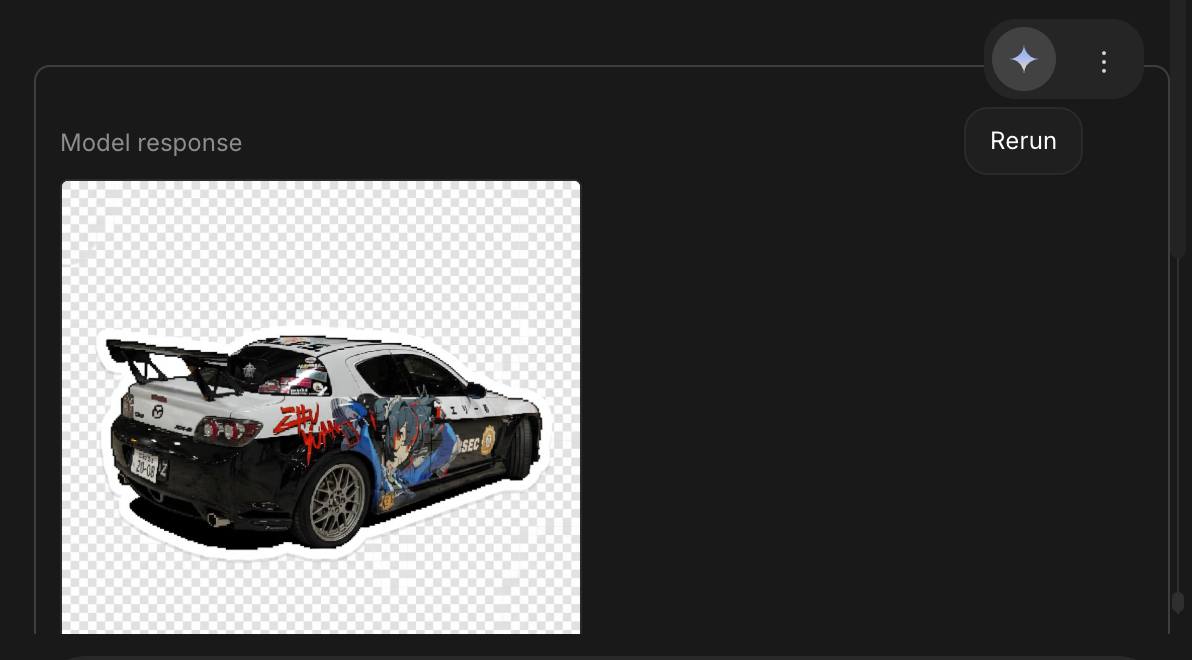
- Background should be solid color or transparent, keeping the focus on the sticker.
- As there is way too many user, Nano Banana seem to struggle nowadays to generate good picture, just press the Re-run button to generate again until you found the one you like.
Of coz you can try add text or even change the direction on the image as well, just change the describe part :D
Hope you learn something new today!! See Ya!!