Jin Daily Tech Trivia — Don’t Just Open Random Codebases in VS Code
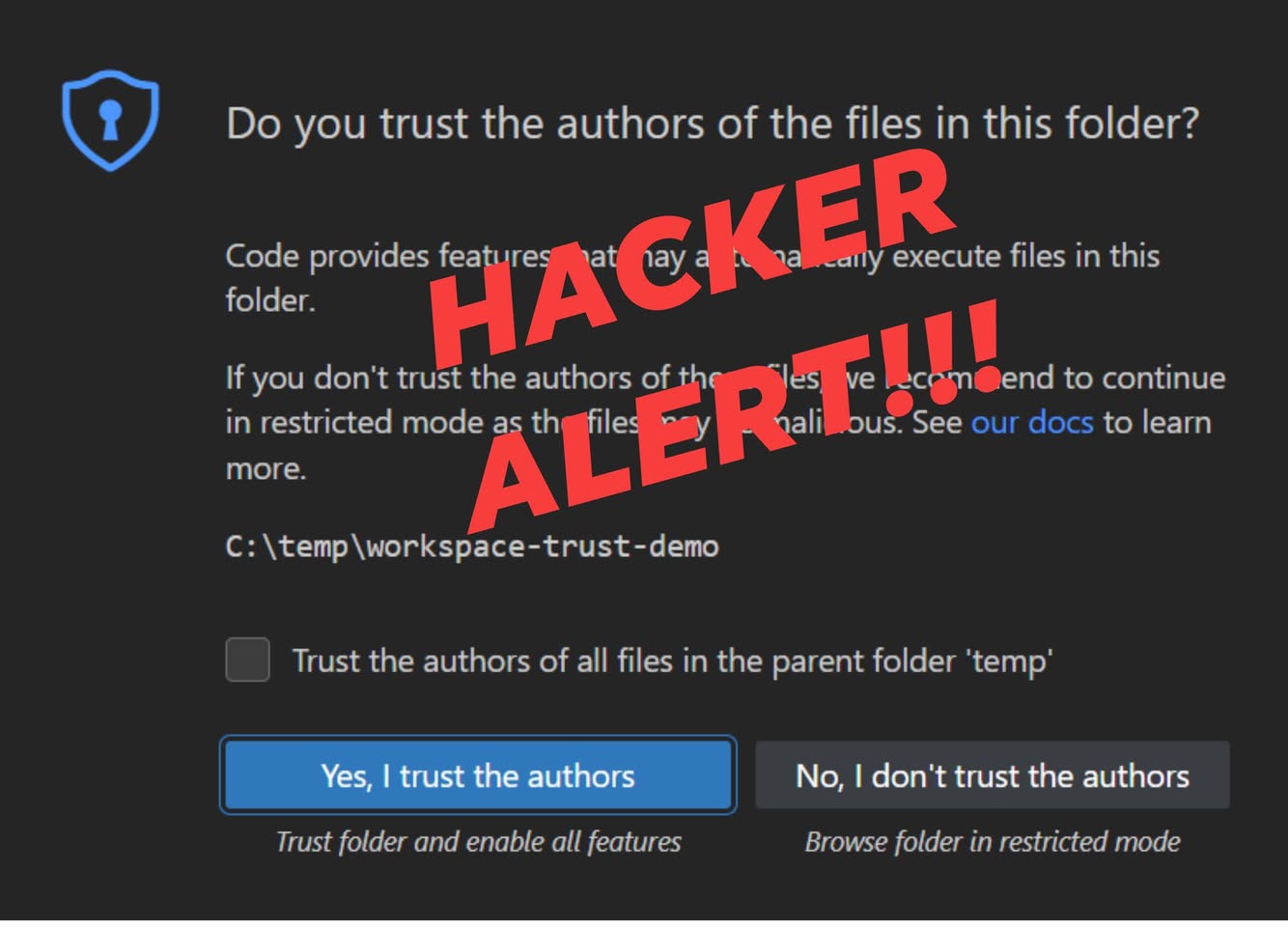
Ever get annoyed when VS Code asks, “Do you trust the authors of this folder?” And you just smash the big blue button and say yes to everything?
Yeah. That habit can cost you real money.
A recent scam just burned a developer for USD $20,000. Here’s how it works.
A fake LinkedIn “recruiter” sends you a GitHub repo to review for a job interview.
The repo contains a hidden file:
.vscode/tasks.json
Inside it is a task configured with:
"runOn": "folderOpen"
The moment you open the folder and click “Yes, I trust the authors”, the script runs automatically.
No terminal. No command typed. No warning.
It can instantly steal:
- Crypto wallets & keys
- Browser cookies
- Saved passwords
All just because you opened a folder.
How to Stay Safe
If you don’t personally know the sender, don’t click trust. Stay in Restricted Mode.
Review untrusted code in a VM, sandbox, or GitHub Codespaces, not your main machine.
Opening a folder is no longer “safe.”
Treat every unknown repository like an .exe file—
because functionally, that’s exactly what it is now.